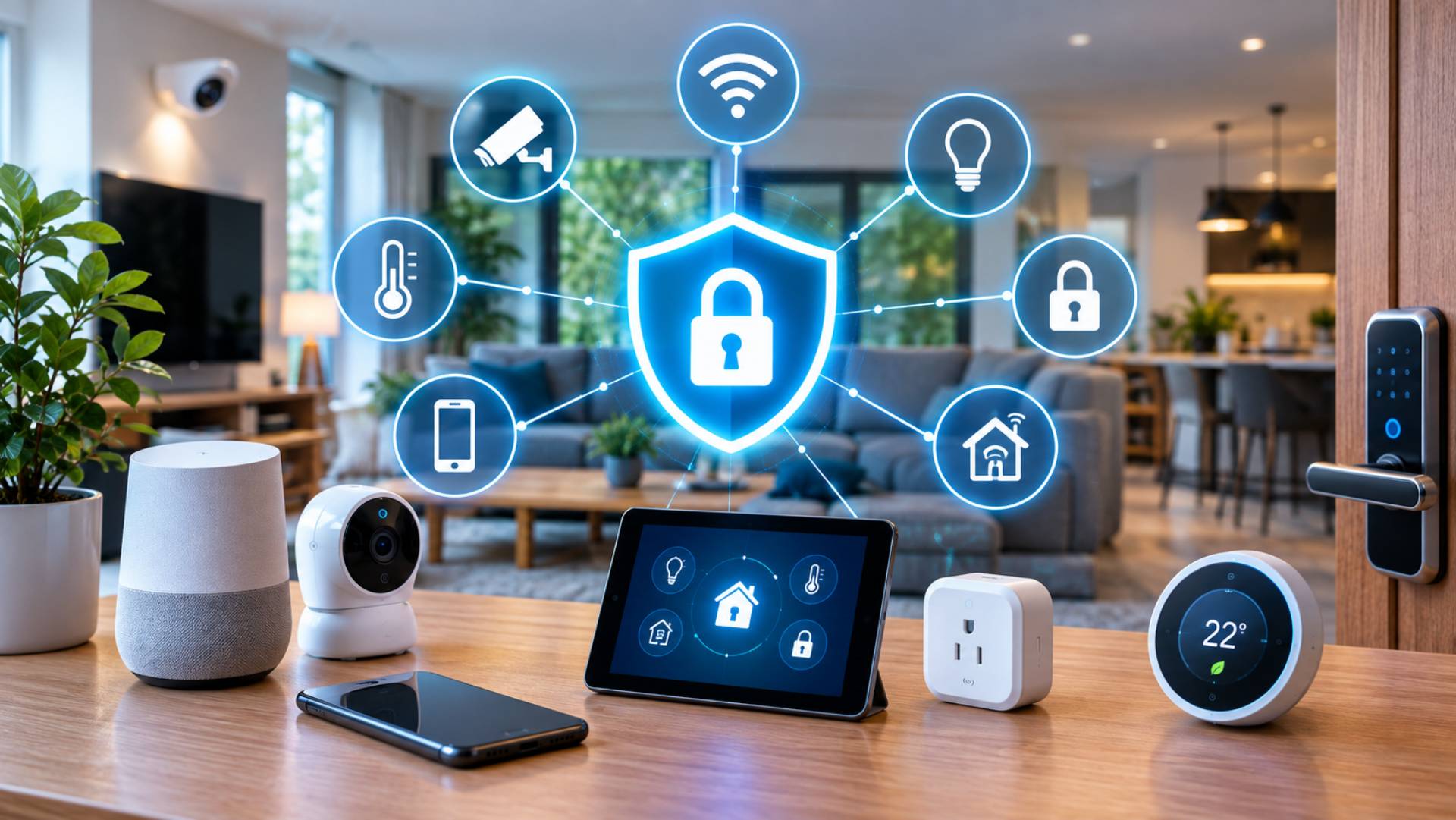
Smart home technology can make everyday life easier. You can adjust the heating from your phone, check a security camera while away, unlock a door remotely, or receive an alert when a sensor detects movement.
But every connected device also creates another point that needs to be secured.
A smart speaker, camera, thermostat, doorbell, lock or sensor may collect information, communicate over your home network and connect to an online account. If these devices are poorly secured, they can expose more than just the gadget itself.
The good news is that protecting a smart home does not require advanced technical knowledge. A few sensible habits can significantly improve your smart home cybersecurity and privacy.
Start With Your Home Wi-Fi and Router
Your router is one of the most important pieces of your smart home security setup.
It connects your devices to the internet and often controls which devices can communicate with one another. If the router is poorly protected, securing individual smart devices becomes much harder.
Start by checking the following:
- Change the router’s default administrator password.
- Use a strong, unique Wi-Fi password.
- Keep the router’s firmware updated.
- Use modern Wi-Fi security settings where supported.
- Disable features you do not need.
- Review connected devices regularly.
- Replace an outdated router that no longer receives security updates.
Your Wi-Fi password should not be reused for other accounts. If one website or service suffers a data breach, reused passwords can potentially put other accounts at risk.
Give Every Smart Device a Strong Account
Many smart home products require an account through an app or manufacturer’s website.
Avoid using simple or reused passwords. Instead, use a different, strong password for each important account.
Where available, enable multi-factor authentication (MFA). This adds another verification step when someone attempts to access your account.
For example, even if someone obtains your password, they may still need a second authentication method to sign in.
Prioritise MFA for accounts connected to:
- Security cameras
- Smart locks
- Home alarm systems
- Voice assistants
- Smart home hubs
- Manufacturer accounts
- Email accounts used to manage smart devices
Your email account deserves particular attention because it may be used to reset passwords for other services.
Keep Firmware and Apps Updated
Security problems can be discovered after a product has been released. Manufacturers may address these issues through firmware updates, mobile app updates or other security patches.
That makes updates an important part of smart device maintenance.
Turn on automatic updates where appropriate, or check regularly for available updates.
Do not only update your phone while ignoring the devices connected to it. A smart camera or router running outdated software may remain vulnerable even when your mobile device is fully updated.
Separate Smart Devices From Your Main Network
Network segmentation sounds complicated, but the basic idea is simple: do not necessarily put every device on the same network.
Many modern routers allow you to create a separate network for smart home equipment. Some also provide a guest network that can be used for visitors.
For example, you could keep:
- Personal computers and important devices on your main network
- Smart bulbs, plugs and appliances on a separate network
- Visitors on a guest network
This can reduce the ability of a compromised smart device to interact directly with other important devices.
The exact options depend on your router, so check its documentation before changing advanced network settings.
Review Device Permissions
Smart home apps often request access to information or phone functions.
Some permissions may be necessary. Others may not be.
Review what each application can access and ask whether the permission is genuinely required.
Depending on the product, an app might request access to:
- Location
- Microphone
- Camera
- Contacts
- Bluetooth
- Local network
- Notifications
- Storage
A smart doorbell may reasonably need camera, microphone and notification access. A simple smart light may not need access to your contacts.
Review permissions periodically, especially after app updates or when you stop using a device.
Pay Particular Attention to Smart Cameras
Security cameras and video doorbells deserve extra consideration because they can capture highly personal information.
Before buying one, ask:
Where does the video go?
Some systems store recordings locally, while others upload footage to cloud servers. Some offer a mixture of both.
Also consider:
- Whether recordings are encrypted
- How long recordings are retained
- Who can access the footage
- Whether you can delete stored recordings
- Whether MFA is supported
- How long the manufacturer promises security updates
- What happens if you cancel a subscription
A camera should also be positioned thoughtfully. Avoid unnecessarily recording neighbours’ private spaces or areas inside your own home that do not need monitoring.
Understand What Data Your Devices Collect
Privacy should be considered before purchasing a smart product, not after installing it.
Read the manufacturer’s privacy information and look for clear answers to questions such as:
- What information does the device collect?
- Does it record audio or video?
- Is usage data collected?
- Where is the information stored?
- Is data processed locally or in the cloud?
- How long is information retained?
- Is information shared with third parties?
- Can you delete your data?
- Can you use the device without creating an account?
You do not need to understand every technical term in a privacy policy. Focus on what information is collected, why it is collected, where it goes and how long it is kept.
Check How Long the Manufacturer Provides Support
A smart device can remain physically functional long after its software support ends.
That creates an important buying question: how long will the manufacturer provide security updates?
Before purchasing, look for information about:
- Security update commitments
- Firmware support
- End-of-support dates
- Replacement or upgrade policies
- Whether older models continue receiving patches
A cheap device that stops receiving security updates quickly may provide poor long-term value.
Security support should be treated as part of the product, not an optional extra.
Be Careful With Voice Assistants
Voice-controlled devices can be convenient, but they also raise privacy questions.
If a smart speaker or assistant has a microphone that is always ready for a wake word, understand how recordings are handled.
Check whether the manufacturer provides controls for:
- Reviewing voice history
- Deleting recordings
- Automatically deleting older data
- Disabling certain features
- Managing connected services
Use physical microphone controls where available when you do not want the device listening for commands.
Do Not Ignore Physical Security
Cybersecurity is not only about passwords and software.
A smart device that can be physically accessed may create another set of risks.
Think about where hubs, routers, cameras and other important equipment are located. Someone who can physically reset or interfere with a device may be able to bypass some of its digital protections.
For this reason, avoid leaving important networking equipment in easily accessible public areas where practical.
Smart locks also deserve particular attention. Keep physical backup options available where appropriate, and understand what happens if the device loses power, internet access or connectivity.
Secure Your Smart Home Hub
If you use a central smart home hub or control platform, treat it as an important account.
The hub may control multiple devices, so gaining access to it could provide access to several parts of your home automation system.
Use a strong password and MFA where supported. Keep the hub’s software current and periodically review connected devices and user accounts.
Remove old devices and users that are no longer needed.
Review Your Connected Devices Regularly
Over time, smart homes can accumulate devices.
You may have an old camera in a drawer, a discontinued smart plug still connected to Wi-Fi, or an account for a product you stopped using months ago.
Every few months, review your connected-device list.
Remove:
- Devices you no longer own
- Old user accounts
- Unused integrations
- Unnecessary third-party services
- Apps you no longer need
Reducing the number of active connections makes your smart home easier to manage and can reduce unnecessary security exposure.
How to Securely Sell, Recycle or Dispose of a Smart Device
Getting rid of a smart device requires more than unplugging it.
A device may still be associated with your account or contain stored information.
Before selling, giving away or recycling a product:
1. Remove personal data
Delete recordings, saved settings and other personal information where possible.
2. Remove the device from your account
Use the manufacturer’s app or account settings to unlink the product.
3. Perform a factory reset
Follow the manufacturer’s instructions for resetting the device.
4. Remove saved network information
Where the device allows it, make sure your Wi-Fi credentials and other connection details are removed.
5. Cancel associated subscriptions
If the product uses a paid cloud service, check whether a subscription remains active.
6. Check the manufacturer’s disposal guidance
Some devices contain batteries or electronic components that should be recycled through appropriate channels.
A factory reset is particularly important when transferring a camera, smart speaker, hub, tablet or other device that may contain personal information.
What to Do When a Smart Device Is No Longer Supported
If a manufacturer stops providing security updates, do not automatically assume the device is safe to keep connected indefinitely.
Consider whether the device still needs internet access.
If it performs an essential function, replacing it with a supported model may be the safest long-term option. If it is no longer needed, remove it from your network and account before disposing of it.
This is another reason to consider manufacturer support policies before buying smart home technology.
A Simple Smart Home Security Checklist
Use this checklist to keep your connected home under control:
| Security Step | Recommended Action |
| Router | Change default credentials and keep firmware updated |
| Wi-Fi | Use a strong, unique password and modern security settings |
| Accounts | Use unique passwords |
| MFA | Enable it wherever supported |
| Updates | Install firmware and app security updates |
| Network | Consider separating smart devices from important personal devices |
| Cameras | Review storage, access and privacy settings |
| Permissions | Remove unnecessary app permissions |
| Data | Understand what information the product collects |
| Support | Check the manufacturer’s security-update policy |
| Old devices | Unlink, reset and securely dispose of them |
| Reviews | Periodically check connected devices and accounts |
Frequently Asked Questions
How can I make my smart home more secure?
Start with the basics: secure your router, use unique passwords, enable MFA where available, keep firmware updated and review device permissions. Consider a separate network for smart home devices if your router supports it.
Are smart home devices a privacy risk?
They can be, depending on the product and how it handles information. Cameras, microphones and cloud-connected devices can collect sensitive data. Before buying, check what information is collected, where it is stored, how long it is retained and whether you can delete it.
Should smart home devices be on a separate Wi-Fi network?
Using a separate network for smart devices can provide an additional layer of protection by limiting how those devices interact with computers and other important equipment. The exact setup depends on your router.
Is a factory reset enough before selling a smart device?
A factory reset is an important step, but you should also remove the device from your manufacturer account, delete stored information where possible and check for subscriptions or connected services.
How often should I review my smart home security?
A quick review every few months is a sensible habit. Also review your setup whenever you install a new device, change important passwords, replace your router or stop using a smart home product.
What should I check before buying a connected device?
Look beyond features and price. Check the manufacturer’s reputation, privacy practices, security features, MFA support, update policy, data-storage arrangements and expected support period.
Conclusion
A smart home should make life more convenient without creating unnecessary security and privacy problems.
The strongest approach is to build security into your routine from the beginning. Protect your router and accounts, use MFA, install updates, control permissions and understand how your devices handle personal information.
Just as importantly, think about the entire life of each product. Check its security-support policy before buying it, review connected devices regularly and properly unlink and reset anything you sell, recycle or stop using.
You do not need to be a cybersecurity expert to maintain a safer connected home. A small amount of regular attention can go a long way towards protecting both your devices and the data they collect.
